
SEO Guide
Common Technical SEO Issues That Quietly Hurt Rankings
The eight technical SEO issues we find on most underperforming Malaysian sites — and the diagnostic checklist to spot them yourself.
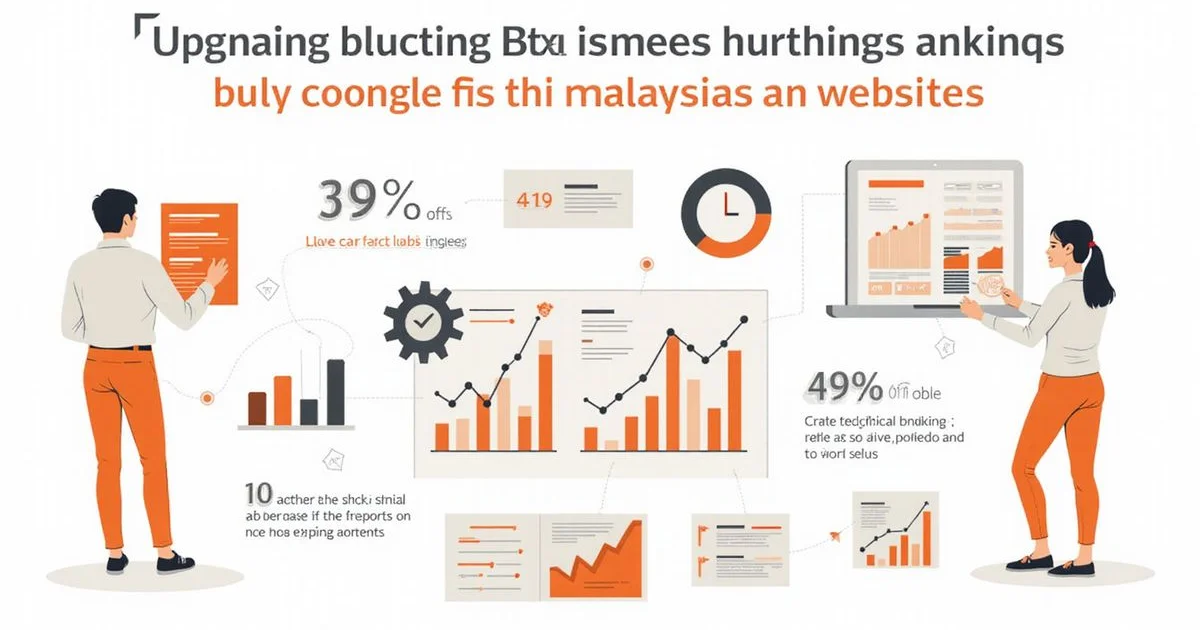
We regularly see websites that have been live for two or more years carrying significant technical SEO debt. Founded in 2011 by SEO veteran Adam Yong, Adam SEO was built on the premise that search engine rankings alone are meaningless without tangible business results. Our audits reveal that some of this technical debt is harmless, while other issues quietly cost you 30 to 50 percent of your potential ranking performance.
The symptoms often look like content problems instead of technical failures. Rankings stall out completely. Traffic hits a plateau.
New content launches fail to move the needle.
You might feel the instinct to write more content. The reality is that your technical foundation needs work to resolve the technical seo problems before the content can compound. According to a 2025 Semrush benchmark report, 72 percent of websites fail at least one critical technical SEO factor.
Let’s look at the data, what it actually tells us about underperforming Malaysian sites, and explore a few practical ways to respond. This guide names the eight technical seo issues hurting rankings we find most often, plus a short diagnostic checklist to spot them yourself.
Issue 1: Index bloat
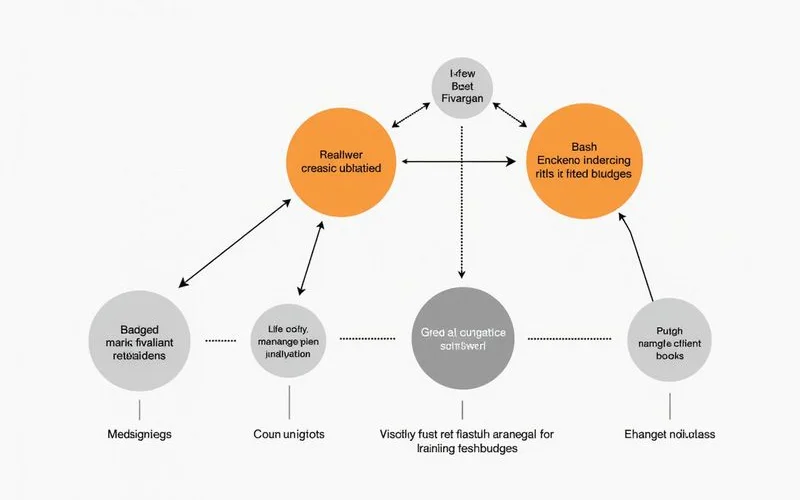
Index bloat occurs when search engines crawl and index thousands of low-value URLs instead of focusing on your core content. We find this to be the most common silent ranking killer on larger Malaysian sites. E-commerce platforms like Shopify and WooCommerce frequently generate dynamic filter URLs, parameter combinations, and search result pages automatically. This bloat splits your crawl budget away from the pages that matter and dilutes your site’s authority.
Googlebot’s recent 2026 documentation clarifies a strict 2MB HTML indexing limit per file. You cannot afford to waste search engine resources on irrelevant calendar archives or sorting tags. New content often takes weeks to get indexed because the crawler is bogged down elsewhere.
Symptoms:
- Google Search Console > Pages report shows 10x more indexed URLs than you have actual content pages
- Coverage report shows hundreds of “Indexed, not submitted in sitemap” URLs
- New content takes weeks to get indexed because crawl budget is wasted elsewhere
Diagnostic test: In Google search, run site:yourdomain.com and check the total result count. If it is 10x your actual content pages, you likely have index bloat.
Issue 2: Broken canonical structure
Broken canonical tags split your ranking signals across multiple duplicate pages because you fail to tell Google which version is the master copy. Our team often spots this issue when an e-commerce platform generates different URLs that display the exact same product. Canonical tags are supposed to tell Google which version of a URL is the primary target.
Broken canonical implementation causes massive confusion. You might see self-referencing tags on pages that should canonicalise to a parent category. Many Malaysian online retailers accidentally leave canonicals pointing to wrong URLs after a site migration, forcing their own filter pages to compete with their parent category pages.
Symptoms:
- Multiple URLs ranking for the same query (typically all on page 2-3 instead of one on page 1)
- Coverage report flagging “Duplicate, Google chose different canonical”
- E-commerce filter pages competing with their parent category page
Diagnostic test: View source on filtered category URLs and check the canonical tag. If it points to itself instead of the parent category, you have a problem.
Issue 3: Slow Core Web Vitals on commercial pages
Failing Core Web Vitals on your top revenue pages directly harms your conversion rates and organic visibility. We know that CWV failures on a checkout page cost significantly more than a slight delay on a blog post. The pages buyers land on need to pass Largest Contentful Paint (LCP), Cumulative Layout Shift (CLS), and Interaction to Next Paint (INP) thresholds reliably.
Interaction to Next Paint officially replaced First Input Delay as a Core Web Vital in March 2024. A good INP score requires your site to respond to a user click in under 200 milliseconds. Google’s own Web Vitals research shows that improving INP from 500 milliseconds to 200 milliseconds correlates with up to a 22 percent improvement in user engagement metrics. Buyers will simply abandon a Malaysian store that feels sluggish or stuck.
Symptoms:
- Google Search Console > Core Web Vitals shows yellow or red status on important URL groups
- PageSpeed Insights field data shows LCP above 2.5s on top pages
- High bounce rate combined with slow load times
Diagnostic test: Run your top 5 commercial pages through PageSpeed Insights. Focus on the field data section. If any page fails on mobile, fix it as priority.
See Core Web Vitals Explained for the metrics and remediation in detail.
Issue 4: Redirect chains
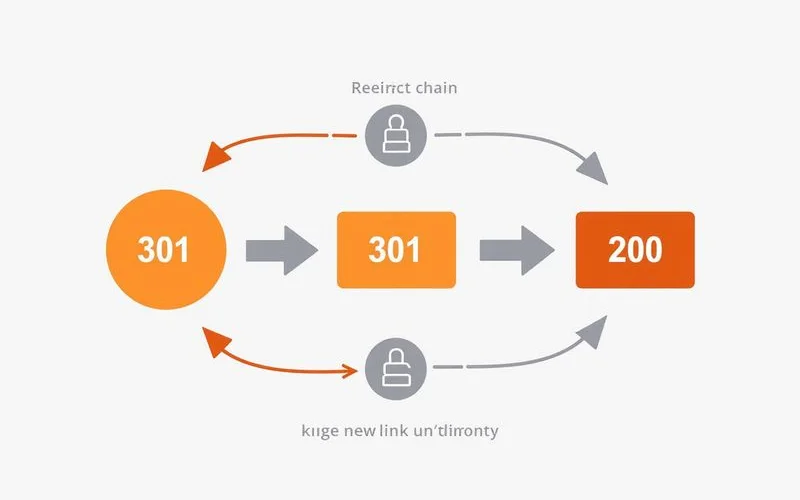
Redirect chains occur when a 301 redirect points to another 301 redirect, bleeding ranking authority with every single hop. We frequently uncover chains of three or four hops on older business sites that have accumulated years of URL changes. Each hop loses a small amount of ranking power before finally landing on a 200 response.
Googlebot historically stops following a redirect path entirely if it hits five consecutive hops. Multiple hops compound your traffic loss and severely increase page loading times. Fixing a single chain to point directly to the final destination recovers that lost authority instantly.
Symptoms:
- Pages that used to rank well lost ground after URL changes
- Crawl reports show many URLs requiring multiple redirect hops
- Slow page loads on URLs that should be fast
Diagnostic test: Crawl your site with Screaming Frog and check the “Redirect Chains” report. Each chain found should be flattened to a single 301 hop.
Issue 5: Orphaned content
Orphaned pages exist on your server but have zero internal links pointing to them, leaving them isolated from your site’s authority. We regularly see this happen with seasonal marketing campaigns in Malaysia, such as Hari Raya or Chinese New Year promotions. A page might get removed from the main navigation menu but remain live on the server.
Google can occasionally find these pages through an XML sitemap or external links. They receive absolutely no internal link distribution, which means they almost never rank well. Connecting these isolated assets back into your site architecture is a quick win to clear up hidden seo issues.
Symptoms:
- Important pages getting almost no organic traffic despite reasonable content quality
- Pages that should rank for specific queries are not even in the top 50
Diagnostic test: Screaming Frog > Internal Links report shows pages with zero inlinks. Any content page in this list is orphaned.
Issue 6: Missing or wrong schema markup
Missing or broken schema markup prevents search engines from displaying rich snippets for your pages in the search results. Our developers use schema to confirm the exact type of content each page contains. Pages without this structured data lose rich result eligibility and face a reduced likelihood of being cited by AI search overviews.
You must implement the JSON-LD format to stay competitive. Adding specific structured data like the Merchant Listing schema is now critical for Malaysian e-commerce products to appear organically in the Google Shopping tab. Searchers are far less likely to click on a generic text link when your competitors display bright star ratings and clear pricing.
Symptoms:
- Product pages without star ratings or prices showing in search results
- Articles without author or date appearing in search
- Schema validators reporting errors on your pages
Diagnostic test: Run priority pages through Google’s Rich Results Test. If they fail or show warnings, the schema needs work.
See Schema Markup and Structured Data for implementation guidance.
Issue 7: Mobile usability gaps
Mobile usability gaps restrict your rankings because Google relies on the mobile-first index to evaluate your entire website. We cannot ignore the fact that the Department of Statistics Malaysia reported a 99.6 percent mobile phone usage rate among individuals in 2025. Issues hidden during desktop testing can severely cap your search performance, even when the desktop site looks perfect.
A clunky mobile experience actively drives potential customers away. Tiny tap targets and unreadable text force users to zoom in constantly. Fixing these layout problems ensures your content is actually usable for the vast majority of local searchers.
Symptoms:
- Google Search Console > Mobile Usability flags errors
- Bounce rate on mobile much higher than desktop
- Tap targets too small or text too small to read without zooming
Diagnostic test: Use Chrome DevTools to simulate mobile view at 375px width. Navigate through your top pages and try to tap CTAs, read text, complete forms. If anything is awkward, fix it.
Issue 8: Robots.txt or noindex misconfiguration
A misconfigured robots.txt file or an accidental noindex tag will instantly instruct search engines to drop your pages from their index. We view this as a catastrophic technical failure when it happens on a live site. Developers frequently trigger this issue by accidentally deploying a staging environment’s restrictive settings straight to production.
A single rogue line of code can wipe out years of organic growth overnight. Finding a sudden, massive traffic drop with no other apparent cause is terrifying. Catching a stray X-Robots-Tag header immediately is the only way to reverse the damage before competitors steal your positions.
Symptoms:
- Sudden traffic drop with no apparent cause
- Google Search Console showing previously indexed pages now excluded
- Pages returning to search results normally after a fix indicates a recent misconfiguration
Diagnostic test: Pull yourdomain.com/robots.txt and read it. Look for Disallow: / (catastrophic if present on production). View source on key pages and search for noindex meta tags or X-Robots-Tag headers.
The diagnostic checklist
Run these checks monthly:
- Google Search Console > Pages: track Indexed vs Not Indexed trend
- Google Search Console > Core Web Vitals: track URL group status
- Google Search Console > Mobile Usability: catch new issues immediately
- Crawl with Screaming Frog quarterly: identify orphans, redirect chains, broken links
- Test schema with Rich Results Test on top revenue pages
- Check robots.txt and key page meta tags after every site deployment
Most sites that follow this cadence catch issues within a month of their appearance. Sites skipping this routine accumulate debt until their rankings degrade enough to force a panic.
Where to start if you suspect issues
If rankings have stalled or dropped and you cannot identify the cause from content or backlink changes, the likely cause is technical. Our Technical SEO audit serves as the complete diagnostic. You get a prioritised fix list and a walkthrough call within five to ten business days.
Catching the issues early is the cheapest version of this story. You can implement the fixes with your team or move to a retainer for ongoing remediation. Letting problems accumulate for two years is the most expensive path, forcing you to recover ground from competitors who did the basics correctly the whole time. Start by running your domain through a crawler today to see what seo issues to fix immediately.